How to Download, Install and Use CapCut Easily Without Any VPN in 2026
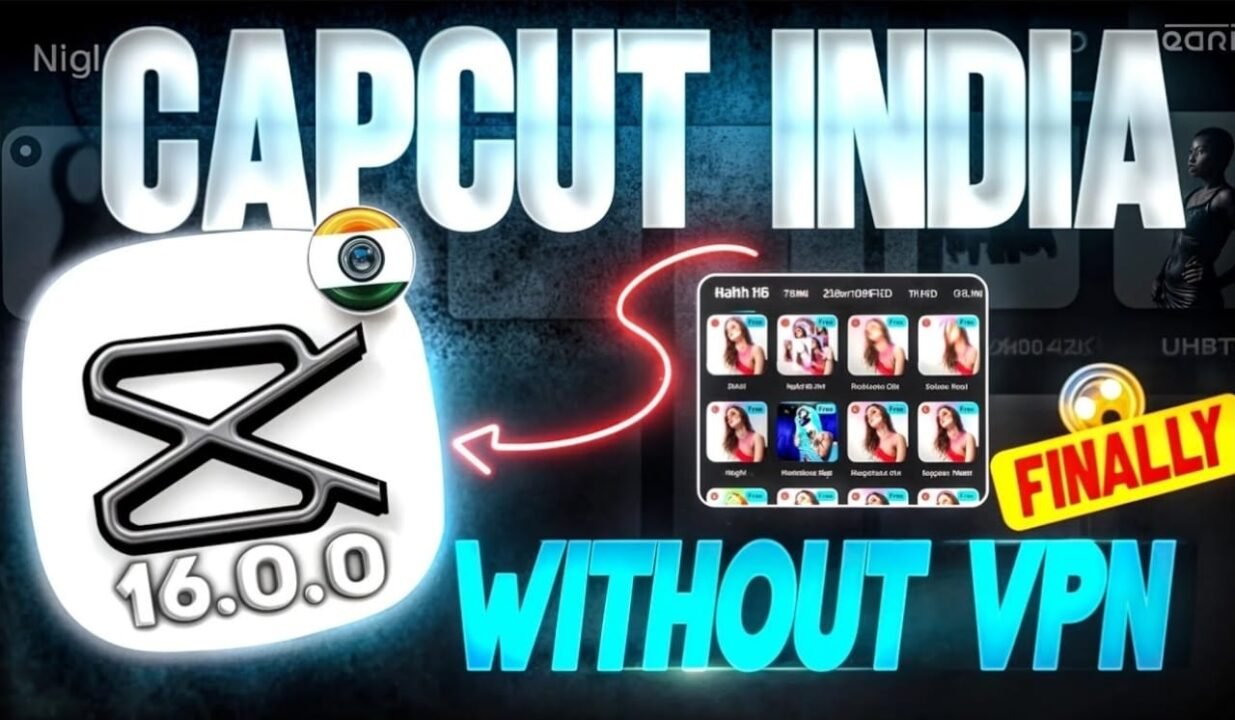
How to Download, Install and Use CapCut Easily Without Any VPN in 2026
CapCut has become one of the most popular video editing applications for creators across the world. From short-form reels and YouTube Shorts to full-length YouTube videos, CapCut offers powerful tools like transitions, filters, auto captions, templates, and music—completely free.
However, many users (especially in regions where availability or features seem limited) ask a common question:
Can we download, install, and use CapCut without a VPN in 2025?
The short answer is YES—and this article explains how, in a safe, legal, and ad-friendly way.
This guide is written for:
- Beginners
- Content creators
- YouTubers
- Instagram & Reels editors
- Anyone who wants to use CapCut without VPN, without hacks, and without risk
What Is CapCut and Why Is It So Popular?
CapCut is a free video editing app developed by ByteDance (the same company behind TikTok). It is designed to make professional-quality video editing simple and accessible on mobile devices and desktop.
Key reasons for CapCut’s popularity:
- Free to use (no watermark in most cases)
- Beginner-friendly interface
- Ready-made templates
- AI-powered features
- Smooth export quality (up to 4K)
In 2025, CapCut is widely used by:
- Instagram Reels creators
- YouTube Shorts editors
- TikTok creators
- Business and brand pages
- Students and freelancers
Can You Use CapCut Without a VPN in 2026?
✅ Yes, CapCut works without VPN in 2026
CapCut is officially available on:
- Google Play Store
- Apple App Store
- Official CapCut website (for desktop)
In most regions, you do not need a VPN to:
- Download CapCut
- Install the app
- Edit videos
- Export content
Many users think VPN is required due to:
- Old misinformation
- Feature differences between regions
- Login confusion
- Template access issues
This article clears all those doubts.
How to Download CapCut Without VPN (Step-by-Step)
Method 1: Download from Google Play Store (Android)
- Open Google Play Store
- Search for CapCut
- Tap Install
- Wait for download to complete
- Open the app and start editing
✔ No VPN required
✔ Safe and official
✔ Best method for Android users
Method 2: Download from Apple App Store (iPhone)
- Open App Store
- Search CapCut – Video Editor
- Tap Get
- Install the app
- Open and allow permissions
✔ Works smoothly without VPN
✔ Regular updates
✔ iOS optimized performance
Method 3: Download CapCut for PC Without VPN
CapCut also offers a desktop version.
Steps:
- Open your browser
- Visit the official CapCut website
- Download CapCut for Windows or Mac
- Install normally
- Log in (optional)
✔ No VPN needed
✔ Best for long videos
✔ Professional editing experience
How to Install CapCut Properly (No Errors)
After downloading, installation is usually automatic.
If you face issues, check the following:
- Ensure enough storage space
- Update Android/iOS version
- Allow required permissions
- Restart device if needed
⚠ Avoid APK files from unknown websites.
They may:
- Contain malware
- Cause account issues
- Break ad policies
How to Use CapCut Without VPN (Complete Beginner Guide)
Step 1: Open CapCut and Create a New Project
- Tap New Project
- Select photos or videos
- Import to timeline
Step 2: Basic Editing Tools
CapCut offers:
- Trim & split
- Crop & resize
- Speed control
- Filters & effects
- Transitions
All features work without VPN.
Step 3: Add Text, Captions, and Stickers
Popular tools include:
- Animated text
- Auto captions (AI-based)
- Emojis and stickers
- Trending fonts
Most features are available globally without restrictions.
Step 4: Add Music and Sound Effects
CapCut provides:
- Free music library
- Sound effects
- Voice-over option
You can also import your own audio files.
✔ No VPN required
✔ Copyright-safe music available
Step 5: Export Video Without VPN
- Tap Export
- Choose resolution (1080p / 4K)
- Select frame rate
- Save to device or share directly
Export works perfectly without VPN in 2025.
CapCut Login: Is It Mandatory?
❌ Login is not mandatory for basic editing.
You can use CapCut:
- Without TikTok login
- Without email login
- Without VPN
When login is useful:
- Cloud backup
- Sync across devices
- Some templates access
Even then, VPN is not required.
Why Do Some People Think CapCut Needs VPN?
This confusion exists due to:
- Old regional restrictions (now mostly resolved)
- Template availability differences
- TikTok-linked features
- Social media misinformation
- Clickbait videos
In 2025, CapCut has expanded availability and reduced regional limitations.
Are All CapCut Features Available Without VPN?
Mostly YES
Available without VPN:
- Editing tools
- Effects & filters
- Export options
- Music library
- Auto captions
Limited or variable:
- Some trending templates
- Certain fonts or effects (region-based)
These limitations are normal, not VPN-related.
Is Using VPN with CapCut Safe?
Using a VPN is not illegal, but it is not recommended for CapCut because:
- It may cause login issues
- Templates may fail to load
- Account syncing problems
- Slower download speeds
For normal editing, VPN provides no real benefit.
CapCut Without VPN for Content Creators
If you are a:
- YouTuber
- Instagram creator
- Freelancer
- Business page owner
CapCut without VPN is:
- Stable
- Ad-friendly
- Safe
- Policy-compliant
Your videos edited with CapCut are accepted on:
- YouTube
- Shorts & Reels platforms
Common Problems and Solutions (Without VPN)
Problem: App not opening
Solution:
- Update the app
- Restart phone
- Clear cache
Problem: Templates not loading
Solution:
- Check internet
- Login once
- Update CapCut
Problem: Export stuck
Solution:
- Reduce resolution
- Free up storage
- Close background apps
Is CapCut Legal and Safe to Use?
✔ Yes, CapCut is:
- Legal
- Free
- Safe
- Used by millions
As long as you:
- Download from official sources
- Avoid mods or cracked apps
- Follow platform guidelines
Best Practices for Using CapCut in 2025
- Keep app updated
- Use original or licensed content
- Avoid copyrighted music for monetized videos
- Save projects regularly
- Do not use fake templates or hacks
Download Capcut App
Final Verdict
CapCut App Without VPN works perfectly in 2025.
You can easily download, install, and use CapCut without any VPN using official methods.There is no need for hacks, cracked apps, or unsafe websites.
CapCut is designed to be user-friendly, global, and accessible.If someone tells you that CapCut cannot work without VPN, that information is outdated or misleading.



 Help
Help