How to Recover Deleted Call Recording | Deleted हुई Call Recording कैसे Recover करें
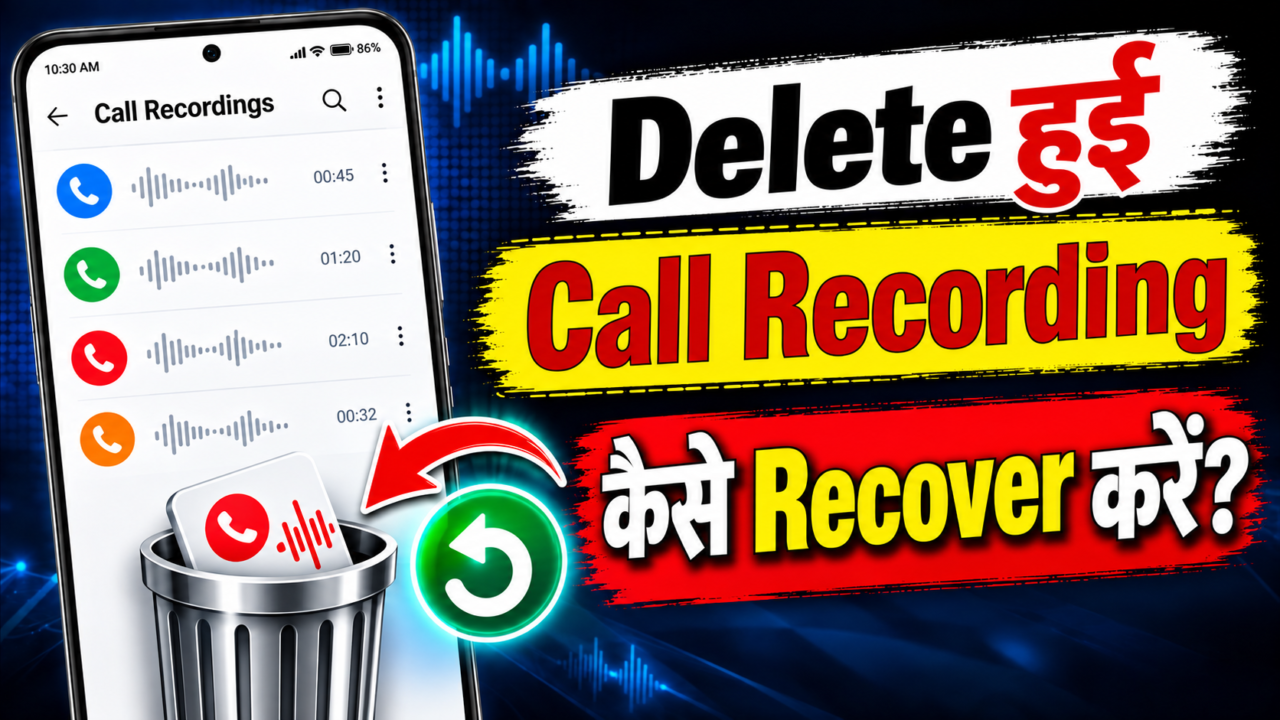
How to Recover Call Recording
Losing an important call recording can be frustrating, especially when the audio contains information you need later. Whether you accidentally deleted a recorded phone call, removed a voice recording, lost an audio file, or changed to a new phone, there are several places you can check before assuming the recording is gone permanently.
This complete guide explains how to recover call recording on Android phones and what you should do when a recording disappears. We will cover official recovery methods, phone storage, Recently Deleted folders, Google backup, Samsung Cloud, computer and cloud backups, and third-party Android recovery software.
We will also explain the difference between recovering a call log and recovering the actual call recording audio, because these are two different types of data. Finally, you will find a comparison of popular recovery programs, their commonly listed plans, important limitations, and practical tips for protecting future recordings.
Call Recording कैसे Recover करें
If you are trying to recover a deleted call recording, start with the safest methods first. Do not immediately install several recovery applications, reset your phone, or fill the device with new files. Your first goal should be to determine whether the recording still exists somewhere in the phone, a trash folder, or an existing backup.
1. Check the Phone App
If your phone supports built-in call recording, open the Phone app and check the recorded-call section or the call history associated with the recording. On supported versions of Phone by Google, recorded calls are stored on the device and the exact recording behavior depends on the device, carrier, region, and software.
If you can still find the call and its recording, save or copy the audio to another secure location before making any further changes.
2. Check the Recorder or Voice Recorder App
Some phones manage call recordings through a separate Recorder or Voice Recorder application. Open the app and check all available folders, recordings, and Recently Deleted areas.
If the app provides a Trash or Recently Deleted folder, look there before trying third-party recovery software. Files in these folders may have a built-in restore option.
3. Search the Files App
Open your phone’s file manager and search for audio files. Depending on the device and recording application, recordings may use formats such as M4A, AAC, AMR, WAV, MP3, or another audio format.
Search both the main internal storage and any SD card or external storage you use. The exact folder location varies between manufacturers and recording applications.
4. Check Google Backup
Android backup can include several categories of device information, such as apps and app data, call history, contacts, device settings, and messages. However, Google explains that not every app can back up or restore every type of data.
For that reason, do not assume that an Android backup automatically contains the original audio of every call recording. Check the actual backup and the recording application’s own storage behavior.
5. Check Samsung Cloud on Supported Galaxy Devices
If you use a supported Samsung Galaxy device, check Samsung Cloud and other Samsung backup locations. Samsung documents support for backing up certain Voice Recorder recordings and phone-related data on supported devices and configurations.
Availability can vary according to the Galaxy model, software version, country, carrier, and Samsung service configuration.
6. Check Your Computer and Other Backups
If you have ever transferred recordings to a laptop, desktop computer, USB drive, SD card, or cloud storage, check those locations. An older copy is often much easier and safer to restore than trying to recover a permanently deleted file from phone storage.
How to Recover Deleted Call Recording on Android
There is no single recovery method that works on every Android phone. The correct method depends on how the recording was created and where the audio was stored.
For example, a recording saved as an ordinary audio file may be visible through the Files app, while a recording controlled by a phone application’s internal storage may behave differently. Device encryption and modern Android security can also affect what third-party tools can access.
Before trying anything complicated, go through this checklist:
- Open the Phone app and check recorded calls.
- Open Recorder or Voice Recorder and check all recordings.
- Look for Recently Deleted, Trash, or Recycle Bin.
- Search internal storage for audio files.
- Check an SD card if your phone uses one.
- Check Google Drive and your existing Android backup.
- Check Samsung Cloud if you use a supported Galaxy device.
- Check your computer or any previous backup location.
Recover Call Recording from Recently Deleted or Trash
Some recording apps and file managers provide a Recently Deleted, Trash, or Recycle Bin feature. If the deleted recording was moved there instead of being permanently removed, restoration may be as simple as selecting the file and choosing Restore.
The exact retention period is different between apps. Some services may automatically remove items after a set period, while others may not have a trash folder at all.
When you find the recording, restore it first and then create a second copy somewhere safe. This prevents a single accidental deletion from becoming a permanent loss.
Google Phone Call Recording Recovery
Phone by Google supports call recording on certain devices, carriers, and regions. Google states that recorded calls are stored on the device. Google also notes that if a call log is deleted, the associated call recording is deleted as well.
This is important because a user may see call history information in a backup and assume the original audio is also backed up. Call history and call-recording audio are not necessarily the same thing.
What You Should Do
- Open the Phone app.
- Check the relevant call history.
- Look for the recording or playback option.
- If available, save or share the recording to a secure location.
- Do not delete the call entry if you still need its associated recording.
Samsung Call Recording Recovery
Samsung Galaxy devices can provide call recording features depending on the specific model, region, software version, and carrier. If your Samsung phone supports the feature, first check the Phone app and the device’s audio or recording library.
You should also check Samsung Cloud when your device and account support the relevant backup categories. Samsung’s support documentation identifies Voice Recorder recordings among data that can be backed up in supported configurations.
Samsung Recovery Checklist
- Phone app and recorded-call area
- Voice Recorder
- My Files
- Recently Deleted or Trash, where available
- Samsung Cloud
- Computer or external storage backups
Google Backup and Call Recording: What You Need to Know
Google’s Android backup system is useful for restoring many types of device information. However, backup coverage is not identical for every application. Google specifically explains that some apps cannot back up or restore all data.
Therefore, if your goal is to recover an actual audio recording, look for a backup or copy of the audio itself rather than relying only on the existence of a phone backup.
How to Recover Audio Files and Voice Recordings
The recovery process for general audio files is similar, but the storage location is often easier to identify. Start with the application that created the file and then move outward to the file manager, cloud storage, and backups.
Deleted Voice Recording
Open the Recorder app and check its recording list, Trash, and Recently Deleted section. If the recording is not there, search the phone’s storage for audio formats used by that application.
Deleted Audio File
Use the Files app to search for the file name or audio extension. Also check cloud storage and computer backups. If you previously shared the file through email or messaging, an older copy may still exist in that conversation or account.
Deleted Music File
For music that you personally own as a downloadable audio file, check your backups, computer, SD card, and cloud storage. For streaming-service downloads, the normal solution is usually to download the content again through the service rather than attempting to recover a temporary offline cache.
Can Deleted Call Recordings Be Recovered Without Backup?
Sometimes, but there is no guarantee. Recovery without a backup depends on whether the original data is still present in recoverable storage and whether the device and recovery method can access it.
Modern smartphones use encryption and other security mechanisms, and deleted data can become unavailable or be overwritten as the phone continues to operate. This is why installing multiple apps, downloading large files, recording new audio, or repeatedly modifying the device is not a good first step when the recording is important.
Call Recording Recovery Software
If official methods and existing backups do not work, you may consider a reputable Android recovery program. These tools generally work by scanning supported device storage or examining supported backups. Their results vary substantially between devices and data types.
Before paying for any software, check its current device compatibility, supported Android versions, exact recovery categories, refund policy, and whether it can preview recoverable data.
| Software | Recovery Focus | Commonly Listed Plans | What to Check |
|---|---|---|---|
| PhoneRescue for Android | Android data and file recovery | Official store has listed 1-year, one-time, and multi-device options; prices can change. | Device compatibility and whether the required audio data is actually recoverable. |
| Tenorshare UltData for Android | Android data and supported Google Drive recovery | Official purchase page lists monthly, yearly, and lifetime options; prices can change. | Supported phone model, Android version, and exact data category. |
| iMyFone D-Back for Android | Android, Google Drive, and broken-phone recovery | Official purchase page offers multiple monthly, yearly, and lifetime editions. | Correct Android edition and supported recovery scenario. |
Software pricing changes frequently and may differ by country, promotion, taxes, license type, and renewal terms. Always confirm the final price on the software company’s official website before purchasing.
PhoneRescue for Android
PhoneRescue is an Android recovery program from iMobie. It is designed to help recover supported lost or deleted Android data and files. The company’s store has offered different license types, including subscription and one-time options.
When considering PhoneRescue for a call recording, do not assume that recovery of call-related information means the original audio will always be recovered. The important question is whether the specific recording file is supported and still recoverable on your phone.
Tenorshare UltData for Android is another commercial recovery program that supports various Android data-recovery scenarios. Tenorshare also promotes recovery from supported Google Drive data.
The company offers different license periods and editions. Before purchasing, check the exact version for your phone and verify whether it supports the type of call-recording audio you are trying to recover.
iMyFone D-Back for Android
iMyFone D-Back for Android provides different recovery modes for Android devices, Google Drive data, and certain broken-phone situations. Its official purchase pages offer different license periods and editions.
As with every recovery tool, the presence of a scan result does not automatically mean that the original playable recording can be restored. Preview the result when possible and verify compatibility before buying.
How Much Does Call Recording Recovery Software Cost?
The price depends on the product, license period, number of supported devices, and whether you choose a monthly, yearly, or lifetime license. Commercial Android recovery tools commonly offer several tiers rather than one fixed price.
- Monthly plans: useful if you only need the software for one recovery attempt.
- Yearly plans: useful when you expect to use the software more than once.
- Lifetime or one-time plans: can be useful for repeated personal use, subject to the vendor’s license terms.
- Multi-device plans: may cost more but can support several devices under the specified license.
Because vendor pricing changes, treat any price displayed in a search result or older article as a reference only. The official checkout page is the best place to confirm the current amount.
What Is the Difference Between Call Log Recovery and Call Recording Recovery?
This distinction is extremely important. A call log usually contains information such as a phone number, date, time, and call type. A call recording is the actual audio file or recording data.
Recovering a call log does not necessarily recover the audio. Likewise, restoring a backup that contains call history does not automatically mean that the original recording will return.
What Can Prevent Call Recording Recovery?
- The recording was permanently deleted.
- The storage space containing the data was overwritten.
- The recording app did not include the audio in its backup.
- The device was factory-reset.
- The phone uses encryption or security features that prevent the tool from accessing deleted data.
- The recovery software does not support the phone model or Android version.
- The recording was never stored as a recoverable local audio file.
- The recording was deleted together with its associated call entry in an app that links the two.
7 Tips to Improve Your Chances of Recovery
1. Stop unnecessary activity
If the recording was deleted from local storage, avoid downloading large files, recording new audio, or installing many applications until you decide on your recovery method.
2. Check official options first
Phone apps, Recorder apps, Files, Trash folders, Google backup, Samsung Cloud, and existing computer backups should be checked before paying for recovery software.
3. Do not factory-reset the phone
A reset can remove accessible data and may make a difficult recovery situation even more difficult. If a reset is necessary, verify your backups first.
4. Keep the original device
If you recently moved to a new phone, do not immediately wipe or sell the old phone. It may contain the only remaining copy of an important recording.
5. Look for duplicate copies
Check messaging apps, email attachments, cloud storage, computers, SD cards, and previous exports. A duplicate copy is often easier to restore than deleted phone storage.
6. Use reputable software only
Avoid unknown recovery applications that make unrealistic guarantees. Check the developer, privacy policy, supported devices, pricing, and refund terms before granting access to personal data.
7. Back up important recordings in the future
For recordings that matter, keep an additional copy in a secure storage location. Do not depend on a single copy stored only on the phone.
How to Prevent Losing Call Recordings in the Future
Prevention is much easier than recovery. If your phone supports call recording, periodically copy important recordings to a secure location. You can keep an encrypted copy on a computer, use supported cloud storage, or maintain another trusted backup.
It is also a good idea to organize recordings with meaningful file names and dates. This makes it much easier to find a specific recording later.
Before switching phones, check whether your recording application provides an export or backup option. Do not assume that moving your Google Account to a new device will automatically transfer every audio file created by every application.
Is It Safe to Use Call Recording Recovery Apps?
Safety depends on the application and the permissions it requests. Recovery software may require access to personal files, contacts, storage, or backups. Since call recordings can contain private conversations, use reputable software and read its privacy policy before granting access.
Never provide passwords, verification codes, or sensitive account credentials to an unknown recovery service. If a tool requires an account, use the vendor’s official application and official website.
Frequently Asked Questions
It may be possible in some situations, but there is no guarantee. Recoverability depends on how the recording was stored, whether the data was overwritten, and whether the phone and recovery software support that scenario.
No. Google explains that Android backup supports several categories of device information, but not every app can back up or restore all data. Phone by Google also states that its recorded calls are stored on the device and are not saved or backed up off-device.
On supported Samsung devices and configurations, Samsung documents certain Voice Recorder recordings and phone-related data as backup items. Availability depends on the device, software, region, carrier, and service configuration.
It depends on the recording system. With Phone by Google, Google states that deleting a call log also deletes its associated call recording. Other manufacturers and applications can behave differently.
There is no universal best option. The best choice depends on your phone model, Android version, storage type, backup availability, and the exact recording you need. Always verify compatibility before purchasing.
A factory reset removes user data from the device. Whether anything can later be restored depends on your backups, device security, and the recovery circumstances. Always back up important recordings before resetting a phone.
The age of the recording alone does not determine whether recovery is possible. A backed-up recording can remain available for a long time, while a permanently deleted local recording may become unrecoverable much sooner.
Sometimes. If the phone can still be accessed or a supported backup exists, recovery may be possible. Some commercial tools also advertise broken-device recovery, but compatibility varies significantly.
No. A tool may detect fragments or metadata without being able to reconstruct a complete playable audio file. A scan result should not be treated as a guarantee of successful playback.
Final Thoughts
If you accidentally deleted an important call recording, the best approach is to work from the safest option to the more advanced options. Start with the Phone app, Recorder, Files, Recently Deleted or Trash folders, and your existing backups. If you use a supported Samsung Galaxy device, also check Samsung Cloud.
If an official backup does not contain the recording, you can consider reputable recovery software such as PhoneRescue, Tenorshare UltData, or iMyFone D-Back. However, these tools should be treated as possible recovery solutions rather than guaranteed methods.
The most important thing is to avoid making the situation worse. Do not factory-reset the device, fill its storage with new files, or install a large number of unknown recovery applications before checking your existing backups and determining what happened to the recording.
For future recordings, keep an additional copy of anything important. A reliable backup can save you from the uncertainty and expense of trying to recover a permanently deleted call recording later.
Software features, device support, backup behavior, and prices can change over time. Verify the latest information on the official device or software vendor website before relying on a recovery method or purchasing a recovery product.
Recover Call Recording
Select how far back you want to search for deleted call recordings.
Processing…
Searching for available call recordings




 Help
Help