How Wi-Fi Works: Truth Behind Password-Free WiFi Hack
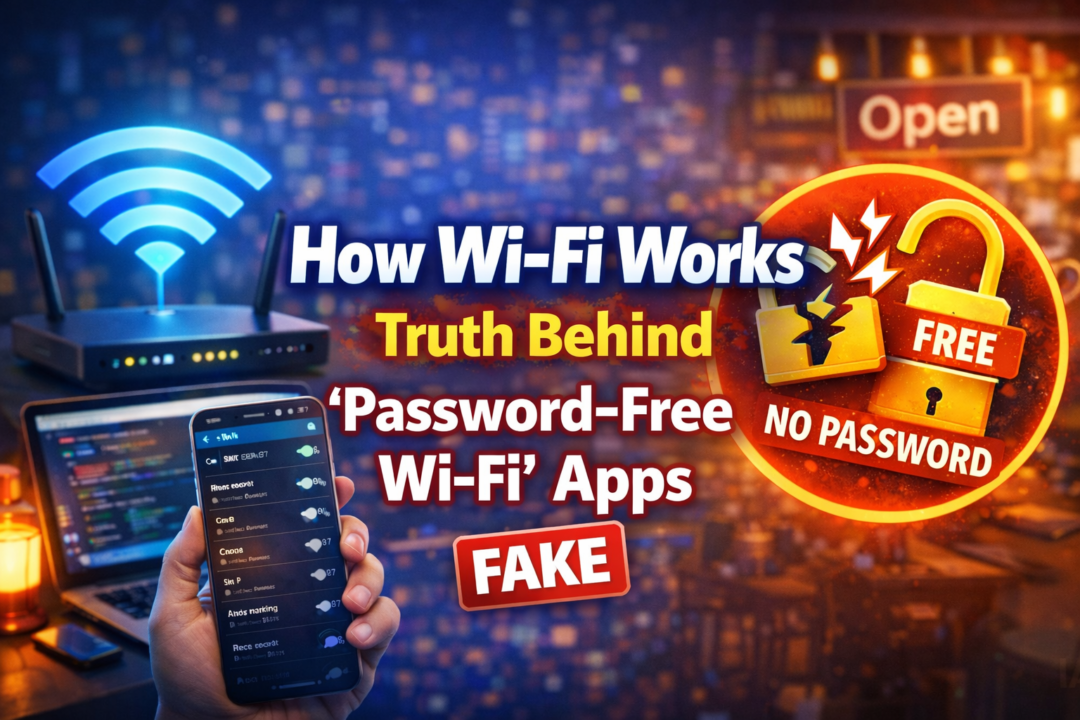
How Wi-Fi Works: Truth Behind Password-Free Wi-Fi
Introduction
Wi-Fi has become an essential part of our daily digital life. From smartphones and laptops to smart TVs and IoT devices, almost everything depends on Wi-Fi connectivity. On the Google Play Store, you may find many applications that claim “connect to any Wi-Fi without a password” or “hack Wi-Fi passwords”.
This article explains how Wi-Fi actually works, its history, supported devices, real-world uses, and the truth behind such Wi-Fi apps, in a clear and beginner-friendly way.
What Is Wi-Fi?
Wi-Fi is a wireless networking technology that allows devices to connect to the internet without physical cables. It uses radio waves to transmit data between a router and connected devices such as mobile phones, laptops, tablets, and smart gadgets.
Wi-Fi works on specific frequency bands:
- 2.4 GHz – Longer range, slower speed
- 5 GHz – Shorter range, faster speed
- Wi-Fi 6 (AX) – Better speed, efficiency, and device handling
How Does Wi-Fi Work? (Step-by-Step)
- Your Internet Service Provider (ISP) sends internet data to your home router.
- The router converts this data into wireless radio signals.
- Your phone or laptop receives these signals through its Wi-Fi chip.
- If the correct password (security key) is entered, the connection is allowed.
- Data is transferred using encryption, keeping it secure from outsiders.
Without authentication (password or permission), secure Wi-Fi networks do not allow access.
When Was Wi-Fi Introduced?
- Wi-Fi is based on IEEE 802.11 standards
- First introduced for consumers in 1997
- Became widely popular in the early 2000s
- Modern versions include:
- 802.11n
- 802.11ac
- 802.11ax (Wi-Fi 6)
Devices That Support Wi-Fi
Wi-Fi is supported by almost all modern devices, including:
- Android smartphones
- iPhones
- Windows & Mac laptops
- Smart TVs
- Tablets
- CCTV cameras
- Smart home devices (bulbs, plugs, speakers)
If a device is “smart,” it most likely supports Wi-Fi.
Common Uses of Wi-Fi
- Internet browsing & social media
- Video streaming (YouTube, Netflix)
- Online gaming
- Video calls & online classes
- File sharing & cloud backup
- Smart home automation
- Office and business networking
Types of Wi-Fi Networks
1. Secured Wi-Fi
- Password protected
- Uses WPA/WPA2/WPA3 encryption
- Most home and office networks
2. Open / Public Wi-Fi
- No password required
- Found in cafes, airports, hotels
- Less secure, higher risk
Truth Behind “Wi-Fi Password Hack” Apps
Many apps on the Play Store claim:
- “Connect to any Wi-Fi without password”
- “Wi-Fi password hacker”
- “Free internet from nearby Wi-Fi”
Reality Check:
❌ They cannot hack secured Wi-Fi networks
❌ They do not break WPA/WPA2/WPA3 encryption
❌ They cannot magically find passwords
What These Apps Actually Do:
- Show saved Wi-Fi passwords (only on rooted phones)
- Use crowd-shared passwords of public Wi-Fi
- Connect only to open (unsecured) networks
- Display ads or collect user data
- Sometimes spread misinformation
Is Connecting to Someone Else’s Wi-Fi Illegal?
Yes, in many countries:
- Accessing a private Wi-Fi network without permission is illegal
- It can lead to legal trouble or fines
- It is considered unauthorized access
Always connect only with the owner’s consent.
Security Risks of Fake Wi-Fi Apps
Using such apps can result in:
- Data theft
- Password leaks
- Malware or spyware
- Banking and personal data risk
- Phone performance issues
Safe Alternatives
- Ask the Wi-Fi owner for the password
- Use mobile data or hotspot
- Connect to trusted public Wi-Fi
- Use a VPN on public networks
- Secure your own Wi-Fi with strong passwords
Download App
Conclusion
Wi-Fi is a powerful and secure technology when used correctly. Apps claiming to connect to any Wi-Fi without a password are misleading and often unsafe. Understanding how Wi-Fi works helps you stay protected, avoid scams, and use the internet responsibly.


 Help
Help